If you’re new to Agile, maybe moving into a company that uses an extended structure to what you’re used to or if you’re at the start of your BA career and getting familiar with the basics, then this article is for you.
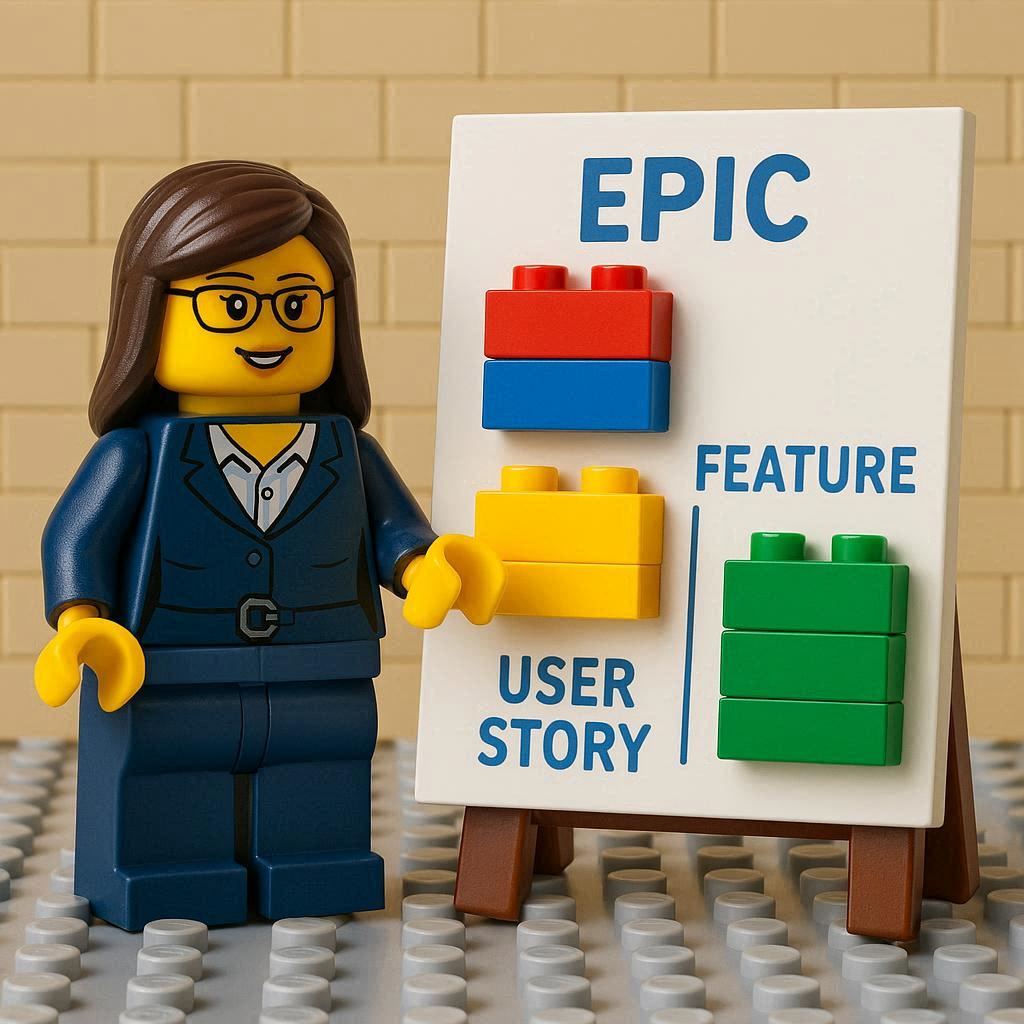
We will take a quick, high-level, look at each of the most common work items within Agile and put together an example of each to help visualise what each work item represents within the whole structure.
Epics
The Epic, the largest work item in common use.
The purpose of an Epic is to provide the birds eye view of what the product (or project) is going to be. It should set the initial guiderails for everything else that follows (i.e. scope setting or direction setting). This will often be a very large piece of work that can take over a year to complete. Another use for an Epic is to ring-fence a Product from the rest of a wider portfolio.
To help visualise this work item type, think of building a house. The Epic is going to be the goal of building a house, it should have some high-level information, maybe the location, style of house and budget but there will be little more detail than that.
Capabilities
Capabilities are the rarest of the common work items and tend to only be located in companies that use SAFe. When working on large projects these can be used to group work in a logical manner such as the User Management area or Reporting area. Within SAFe they are used to house work that will be delivered by multiple release trains and should be completed within one Programme Increment (Program Increment if you’re SAFe 5.1 or Planning Interval if you’re SAFe 6).
When looking at our visualised model then a Capability could be thought of as the floors of the house, or if you’re feeling posh it could be the wings of the house. The sort of information we’d be expecting is along the lines of what the purpose of the Capability is, so in our example maybe the East Wing Capability covers what sort of rooms would be contained within the wing such as the wing needs to have sleeping areas and washing areas in it.
Features
The Feature is one of the most useful work item types due to its size to level-of-detail ratio. This is because the Feature is really starting to get into specifics what we’re doing but is also at a high enough level that we can also see the bigger picture of what is happening. In the world of SAFe a Feature must be sized so it can be delivered within a single PI which is a period of 3 months if you’re not practising SAFe this is still a good time limit for delivering a Feature.
Going back to our house example the Feature is like a room. We’re going to be seeing descriptions of where the room is, how it should be accessed, what sort of furniture needs to go in the room and of course the room’s purpose. So we’ll maybe have a Kitchen and there will be 2 ways to enter the kitchen along with 4 windows. We also expect to be able to cook food in this kitchen and have a space to eat too.
Stories
The Story (or User Story) is probably the most famous of all the work item types. It describes a single item of functionality. The key thing to remember with a Story is that it should be deliverable on its own and still make some sense. It must also be small enough to deliver within a single sprint. When writing Stories it is always using the INVEST method to review that the Story is good.
Going to our house example, a Story would be installation of the Oven or adding a Dining Table and Chairs.
Summary
Now we know what each work item type is and we can see how they all come together to form a complete Product/Project (or a house).
This is of course a simplistic view of the entire setup and we haven’t gone into how information flows from the parent work items to the child items or even mentioned Acceptance Criteria; that is for another article.